
The open source AI code editor
Your home for multi-agent development
Web, Insiders edition, or other platforms
By using VS Code, you agree to its license and privacy statement.
Agents that build for you
Hand off tasks to AI agents that autonomously plan, make code changes, run commands, and iterate until the job is done.
For example, assign a CLI-based agent to triage and fix bugs in the background, interact with another agent to implement a feature using live validation in the integrated browser, and delegate a homepage redesign to a cloud agent that opens a pull request for your team to review.
Get started with agentsAny agent, any model
Use the agent harness that fits your workflow. Run agents locally or in the cloud, with Copilot or third-party providers like Claude and OpenAI.
Choose from dozens of models across providers, from fast completion models to advanced reasoning models. Or bring your own key to use any model from any provider.
All your sessions, one view
Stay productive while multiple agents work on tasks in parallel. Track all your agent sessions from a single view, regardless of where they run.
Quickly filter and monitor sessions, or dive into an individual agent interaction, without switching to a different tool or terminal.
Your rules, your agents
Ensure agents follow your practices and team workflows. Define custom instructions, add agent skills, or build custom agents tailored to your project.
Connect to external tools and services with MCP servers, or install agent plugins or extensions to expand the agent's capabilities.
Start building with AI agents for free
No trial. No credit card required. Just your GitHub account.
Try freeA world-class code editor at its core
VS Code has been the editor of choice for millions of developers for over a decade. AI-powered inline suggestions, intelligent completions, and a rich editing experience make it just as powerful when you're writing code yourself.
Seamlessly switch between working with agents and hands-on coding, all within the same editor.
Get started with VS CodeCode with extensions
Extend your agents with tools from extensions and Model Context Protocol servers. Or, build your own extension to power your team's unique scenarios.

Python
Adds rich language support for Python

Stripe
Build, test, and use Stripe inside your editor

C/C++
Adds rich language support for C/C++

Jupyter
Language support for Jupyter Notebooks

GitLens
Supercharge your Git experience
C# Dev Kit
Powerful tools for your C# environment

MongoDB
Extension for the @MongoDB agent

GitHub Copilot for Azure
Streamline the process of developing for Azure

Remote Development
Open folders in a container on a remote machine
View 80k+ extensions in the Extension Marketplace
Code in any language
VS Code supports almost every major programming language. Several ship in the box, like JavaScript, TypeScript, CSS, and HTML, but extensions for others can be found in the VS Code Marketplace.


Fully customizable
Customize your VS Code UI and layout so that it fits your coding style.
Color themes let you modify the colors in VS Code's user interface to suit your preferences and work environment.
Settings Sync enables you to share your user settings across your VS Code instances with the Settings Sync feature.
Profiles let you create sets of customizations and quickly switch between them or share them with others.
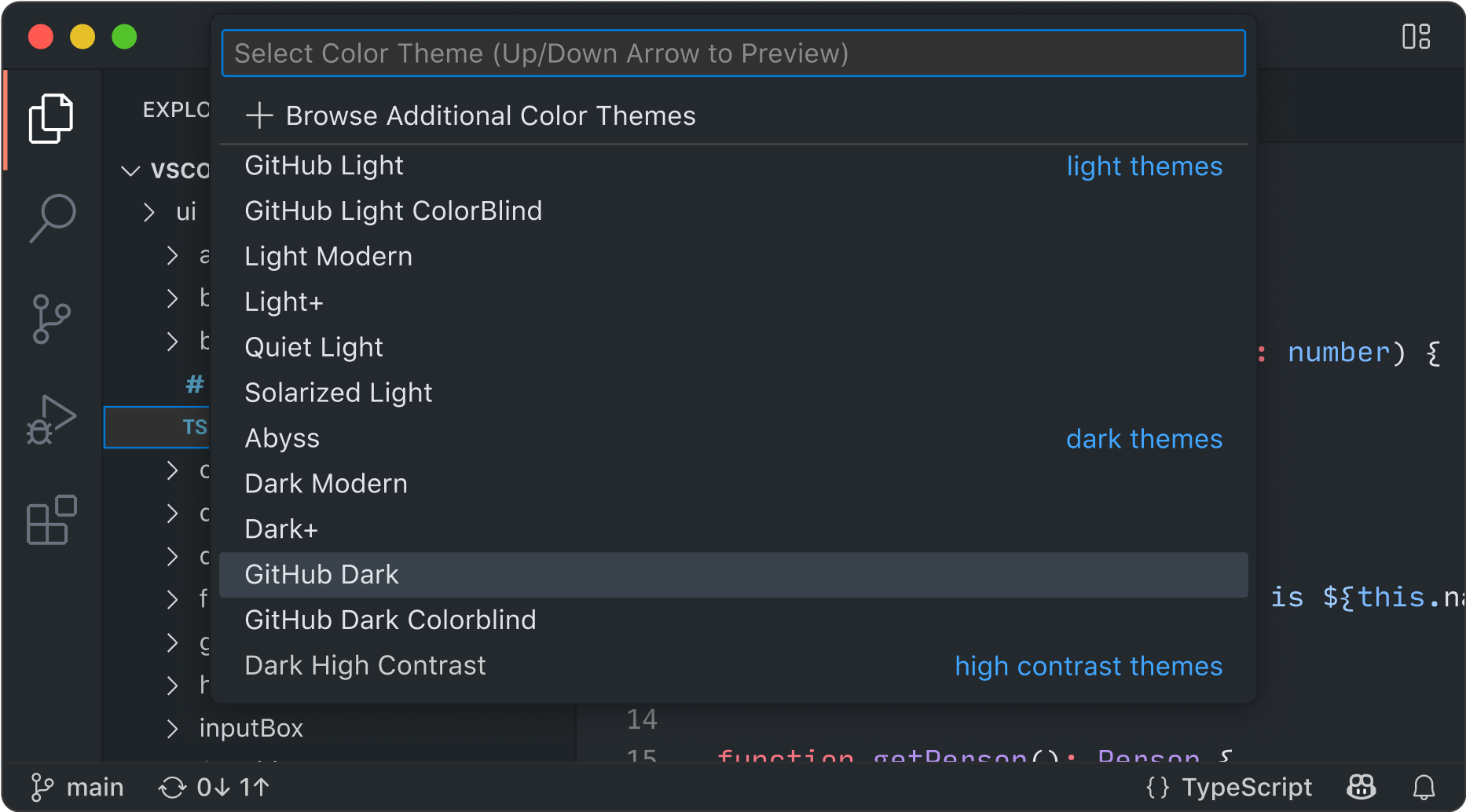
👁 Selecting the GitHub Dark theme with a quick pick
Code anywhere
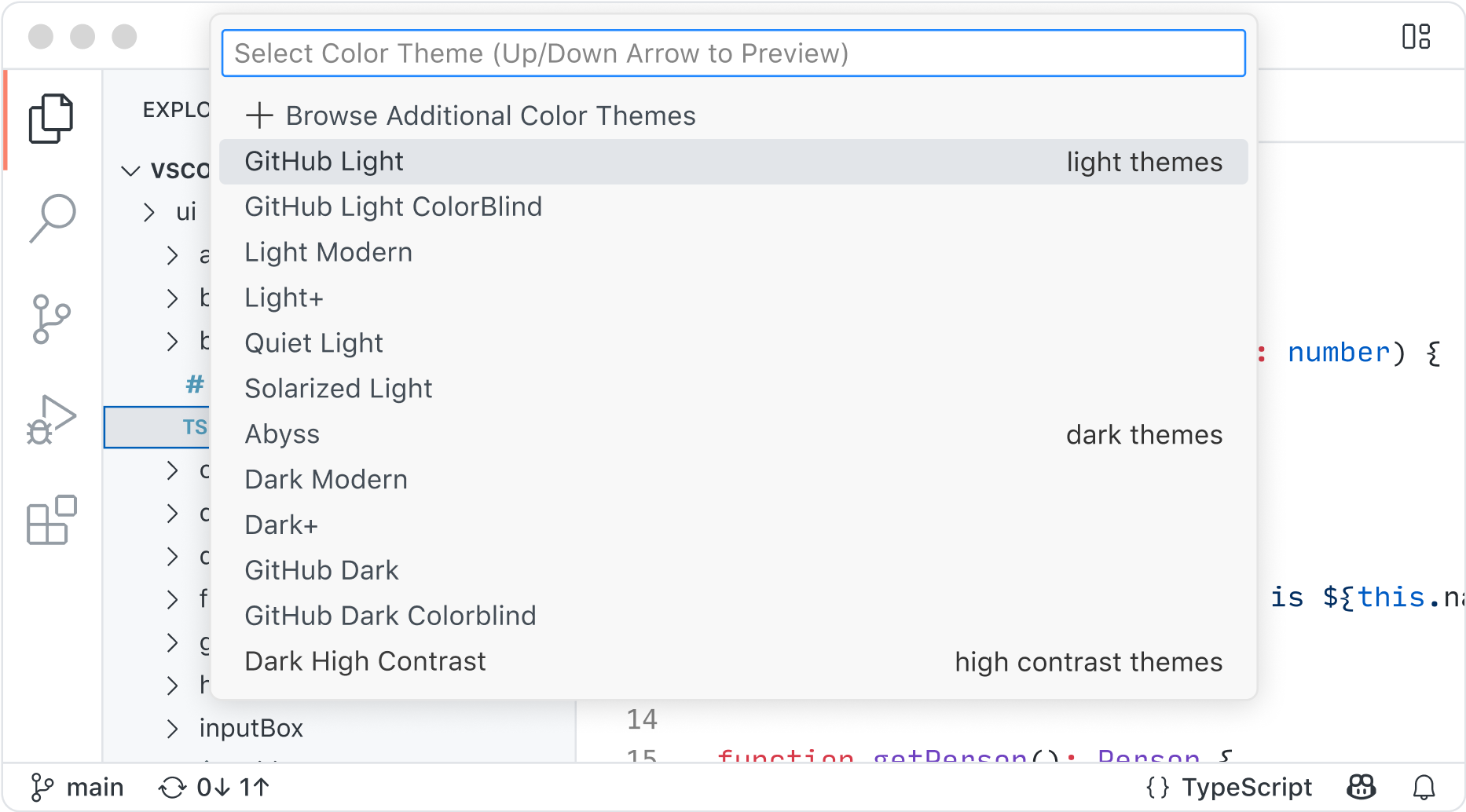
Code wherever you're most productive, whether you're connected to the cloud, a remote repository, or in the browser with VS Code for the Web (vscode.dev).
Built-in Source Control empowers you with Git support out-of-the-box. Many other source control providers are available through extensions.
GitHub Codespaces provides cloud-powered development environments for any activity - whether it's a long-term project, or a short-term task like reviewing a pull request.

👁 vscode.dev in an Edge browser tab
Code with rich features
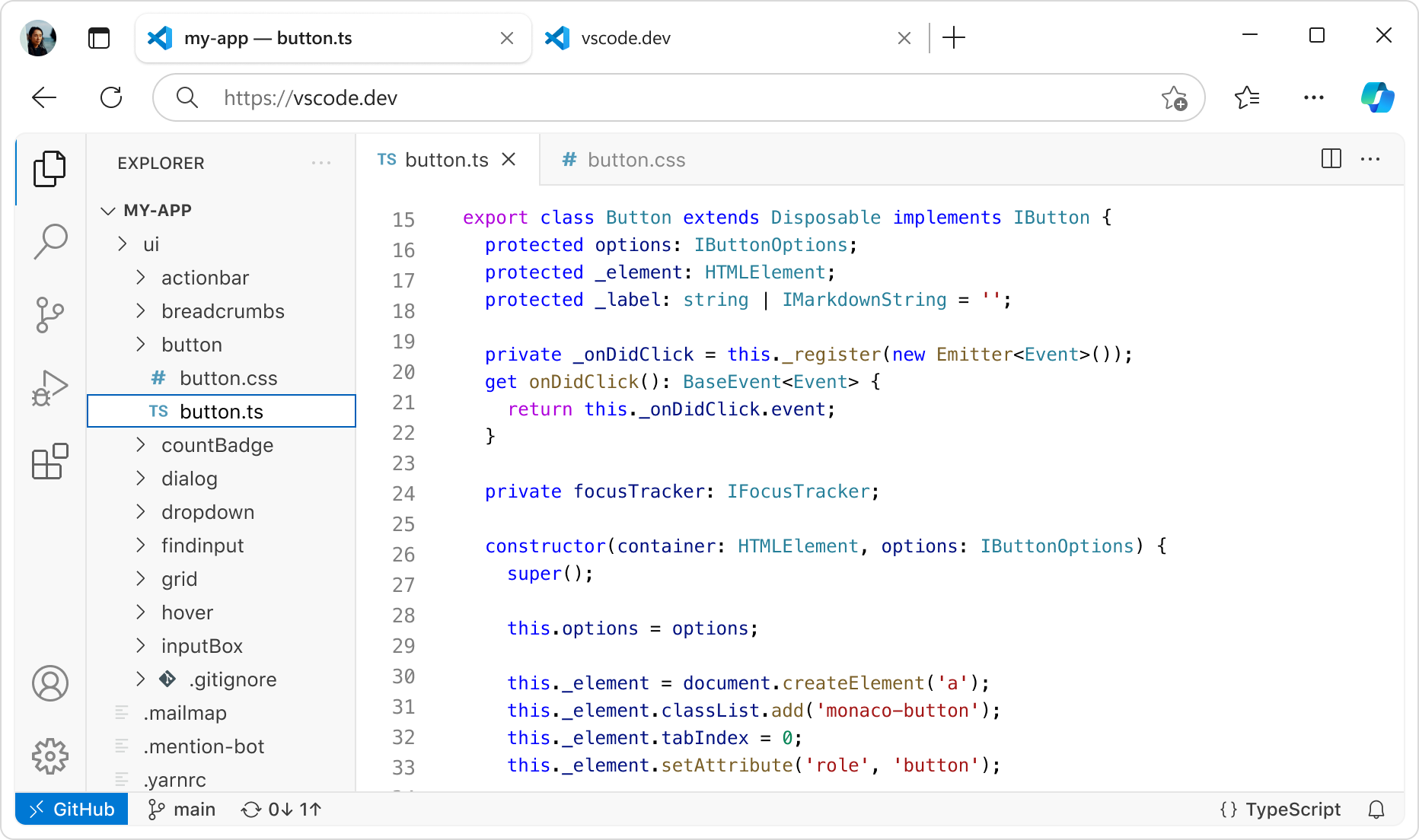
There's a lot more to an editor. Whether it's using built-in features or rich extensions, there's something for everyone.

Integrated terminal
Use your favorite shell whether it's zsh, pwsh, or git bash, all inside the editor.
👁 debug icon
Run code
Run and debug your code without leaving your editor.
👁 branching icon
Version control
Built-in support for git and many other source control providers.
👁 tools icon
Build tasks
Run tools and analyze their results from within VS Code.
👁 history icon
Local history
Never lose your changes with automatically tracked local history.
👁 palette icon
Themes
Your theme is an extension of your personality. Add some flair to your editor and add your touch.
👁 keyboard icon
Accessibility
Optimized experience for screen readers, high contrast themes, and keyboard-only navigation.
👁 globe icon
Web support
Whether you are on your phone, tablet, or desktop, you can access your code from anywhere.